Joining an organization
If a teammate invited you to their organization, your path is much shorter than the full onboarding wizard, and there is nothing to install.
- The organization admin creates an invite for your Google account email. Confirm with them which address they used. The invite is tied to it exactly.
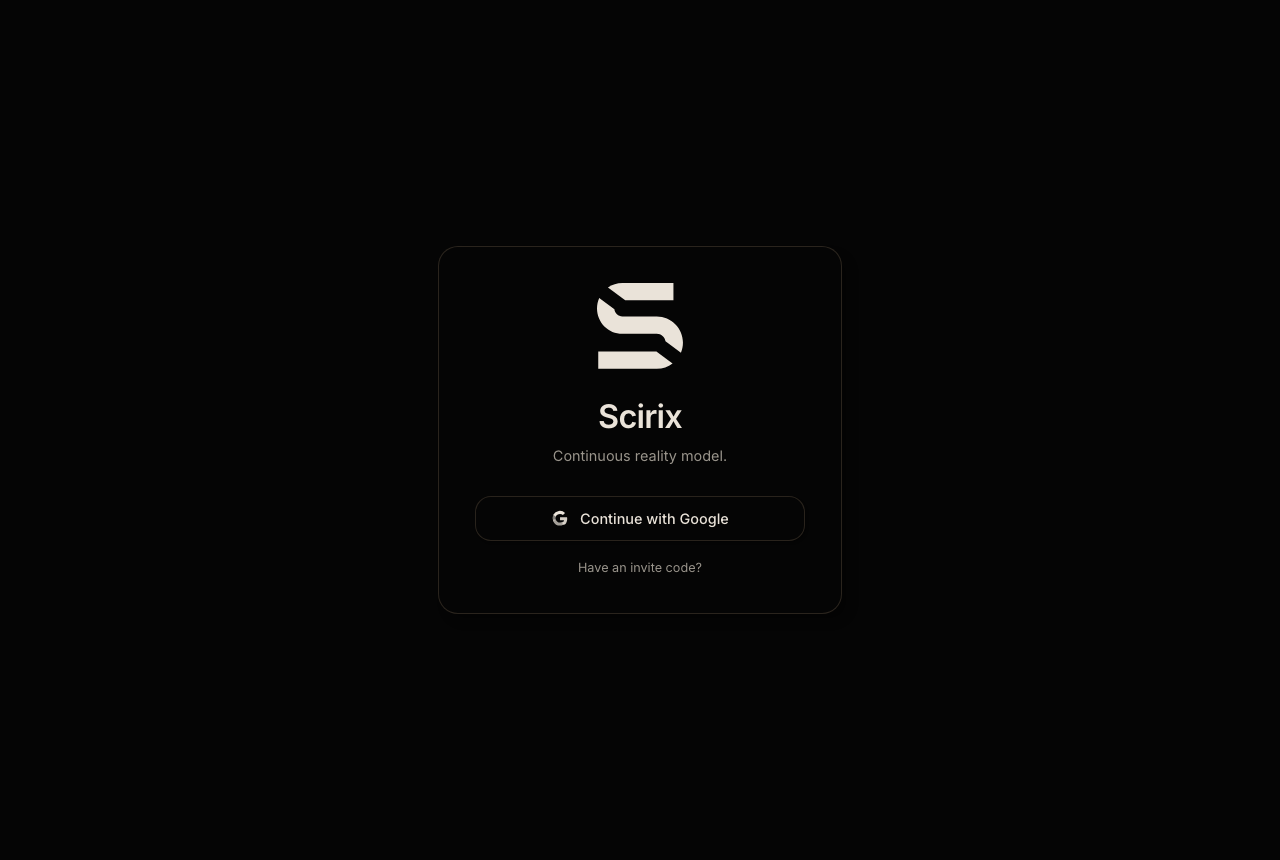
- Open the Scirix app URL they gave you and sign in with Google using that address.
- Depending on how the organization is set up, you land either in the onboarding wizard, to add your own namespace, or directly in an existing workspace.
Things that can trip you up on your first sign-in🔗
- Sign-in fails with a plain "Failed". Your invite probably does not exist yet, or it was created for a different email address than the one you signed in with. Check the exact address with your admin. This is the most common first-login problem.
- A "You're already onboarded" card appears and the buttons do not take you to the workspace. This is a known issue. Sign out and back in, then navigate to your workspace again.
- Working from a phone. Sign-in works on mobile, but use a desktop browser for real work. Several views do not yet scale to a phone screen.